Super Text Search


This shows the Super Text Search window after a search has been performed. The top section lists all the files containing the search text. The middle section lists the individual lines from the currently selected file which contain the text. The bottom section is where all search options are set by the user.

Screen Shot


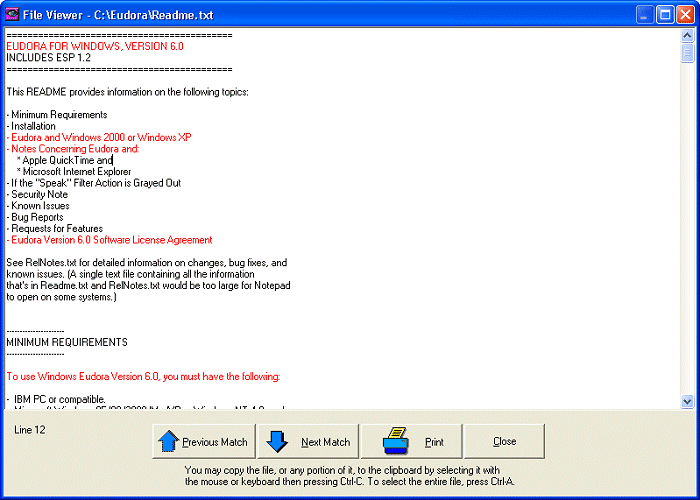
This shows the file viewer window, where files containing the search text can be viewed with all lines containing the text highlighted in a user-selected color.

Screen Shot

Back   Home